A few weeks ago I installed the Windows 7 public beta on one my desktops to get it a whirl and see what it’s like. I was pretty impressed with it..so much that I even went and installed it on my laptop a week ago. Windows 7 is what will replace Windows Vista, which has been beaten and battered upon by critics and the like ever since it’s came out. That mainly happens just because it’s slower than Windows XP and when it first came out there was just a heck of a lot of incompatibilities with programs and devices. Windows 7 is meant to get rid of the negative image that Vista had cast and be a leaner than what Vista is.
At its core Windows 7 is essentially Vista. Anyone that’s used Vista will see the many similarities between the two. However it is indeed leaner than Vista is, at least that what it seems to me. I only have 1 GB on my laptop, and to me it doesn’t seem too terribly slow either. People usually say that if you want to run Vista decently you need 2 GB. Although if I were to swap out 1 of my 512 MB RAM sticks with a 1 GB to give me 1.5 GB I’d noticed a speed improvement with Win7 as well, but 1 GB is manageable for my use.
Anyway enough talking…time for the eye candy :P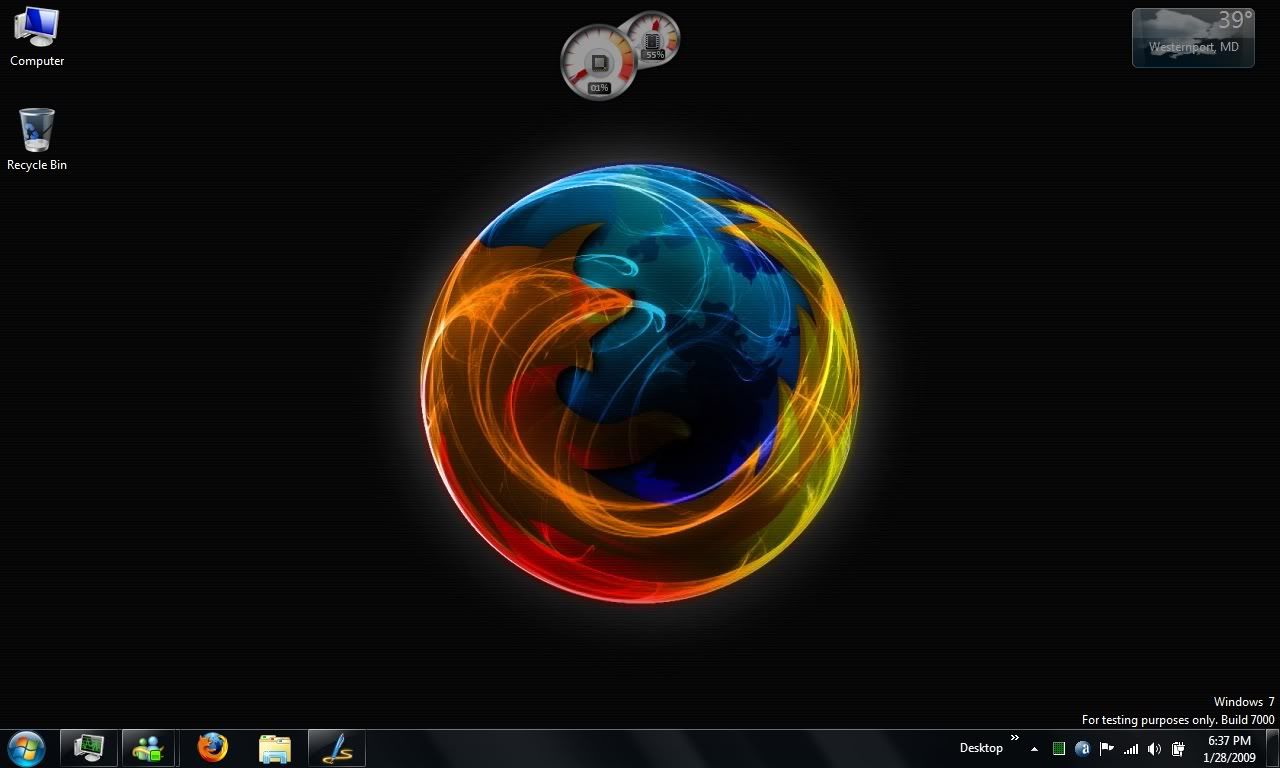
That is my Windows 7 desktop on my laptop. Click on it for the full size image, the same goes for all pics that’ll end up in here. One noticeable change is the taskbar, which Microsoft has been calling the “Superbar.” All of the taskbar items are icons and you can move the icons about into whatever order you please unlike past Windows versions. Multiple windows of a program get lumped together into the one icon. If you still like the thinner taskbar with items like in the past you can change that in the Taskbar properties. One neat thing is that you can pin items to the taskbar like you could to the start menu, that way just click on the icon on the taskbar and go.
The gadgets can also be placed wherever you may please on the desktop, instead of being confined to the sidebar like in Vista. So Windows 7 does not actually have the sidebar
Another new feature is the jump lists. If you computer supports Aero, hovering your mouse on an icon reveals a jump list with thumbnail previews of the windows. If Aero isn’t enabled then you will just have a list with the names of the windows shown. Right clicking on the icon also provides a different style of menu compared to the old right click menu of just close, maximize, etc.
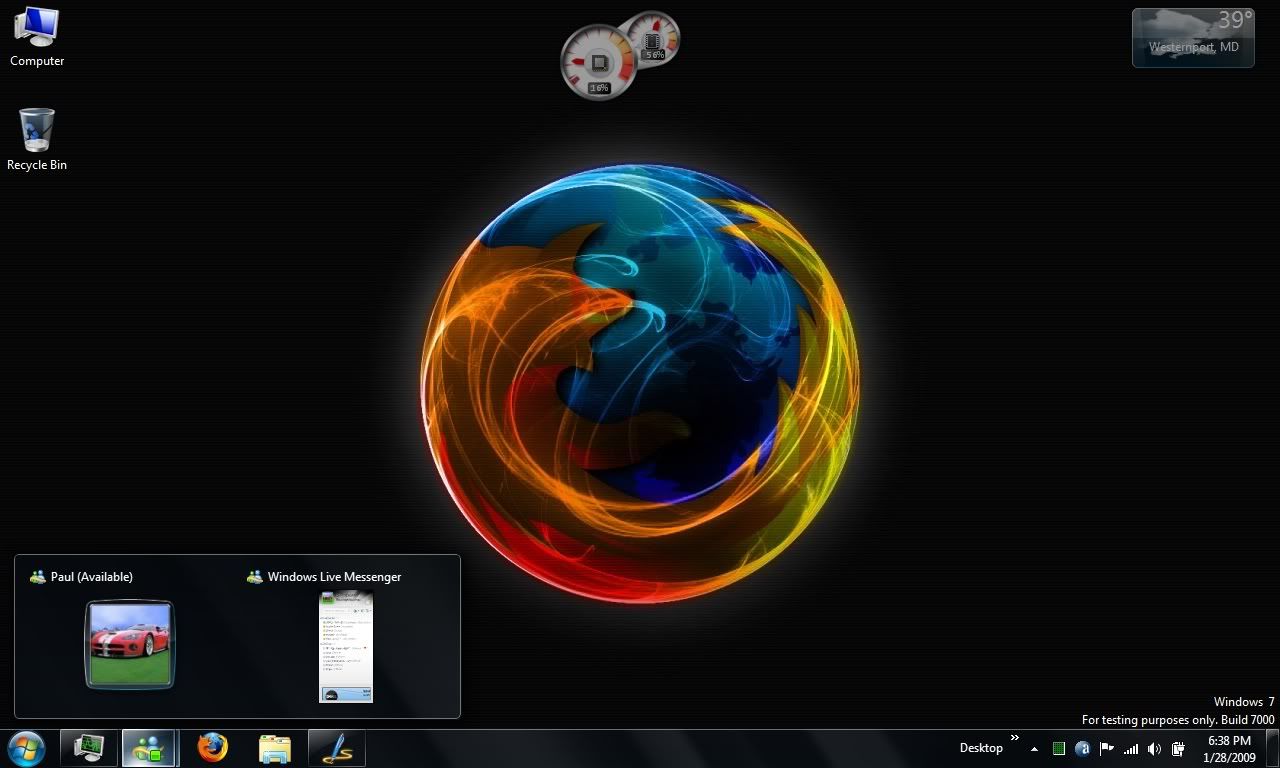
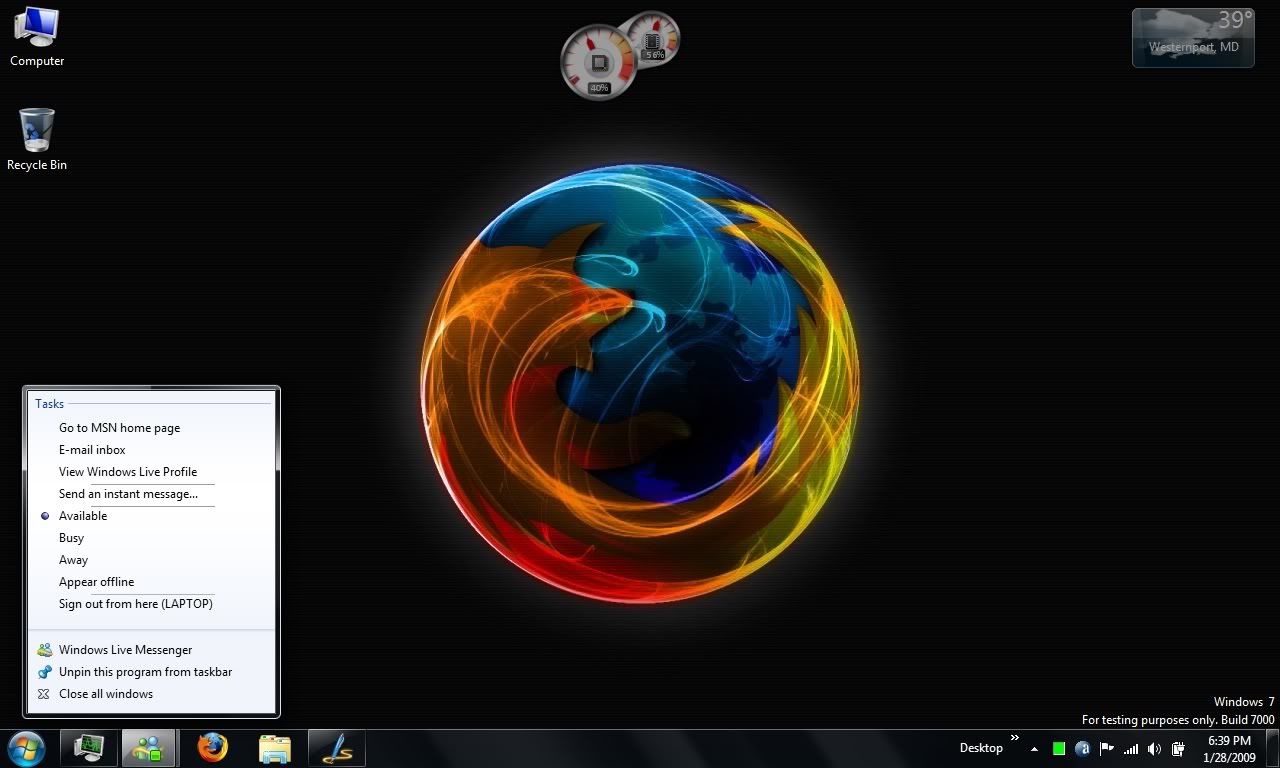
One more new taskbar feature is over on the very right. That is the show desktop button, clicking that minimizes windows and shows the desktop, obviously. Click it again restore everything that wasn’t minimized before the button was clicked the first time. For those with Aero enable, the button does another trick. Simply hovering over the button shows the desktop but with the outlines of open windows. That little feature is being called Aero Peek.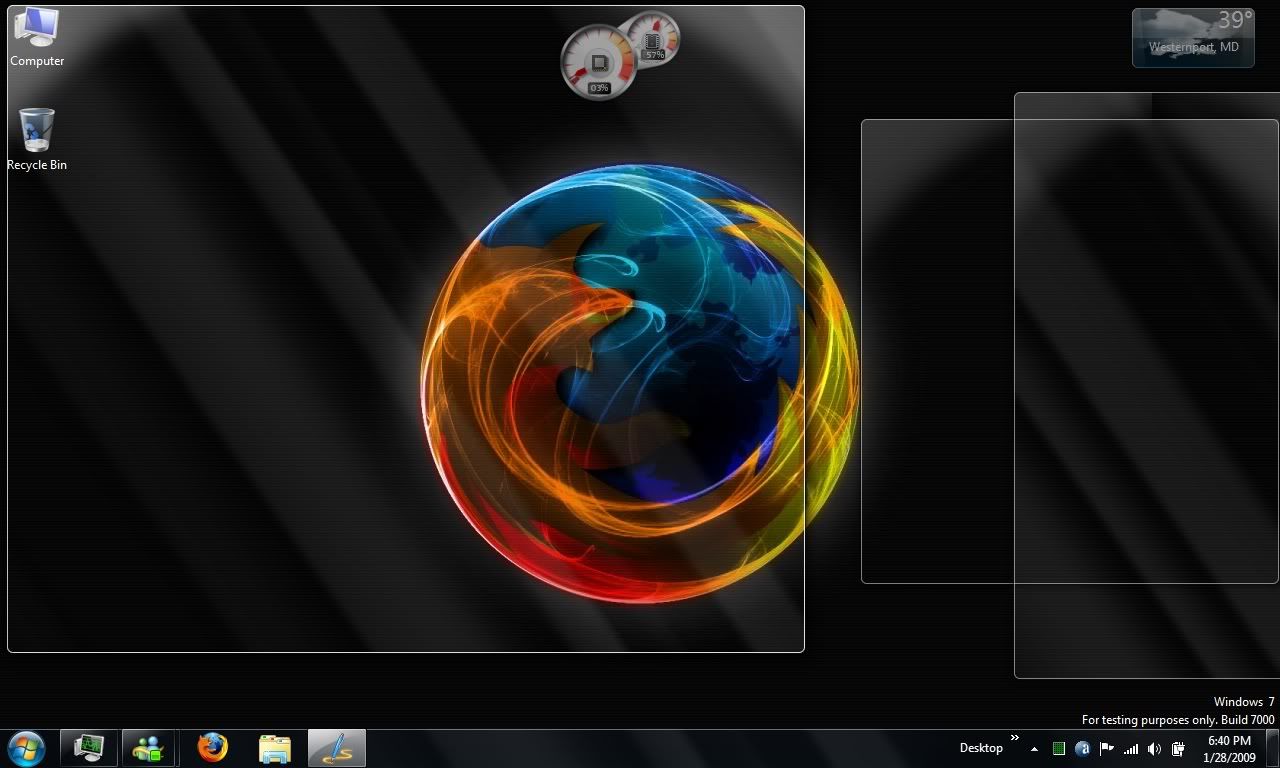
The start menu even has went through a small change, because now some programs that appear on the recent programs list can also show a list of recently opened or saved items.
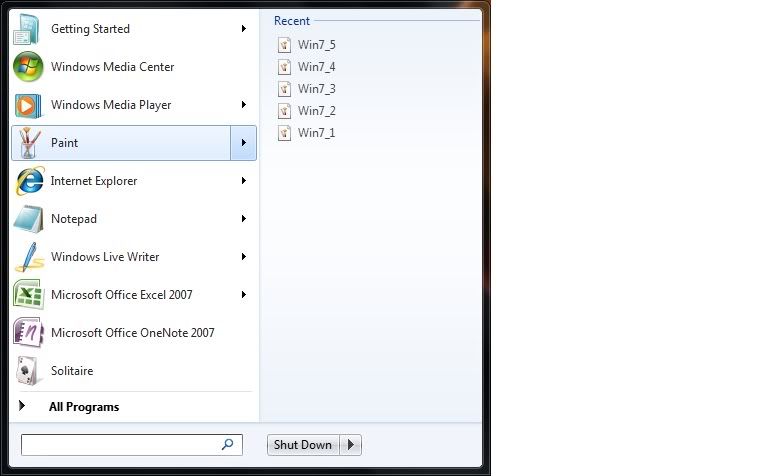
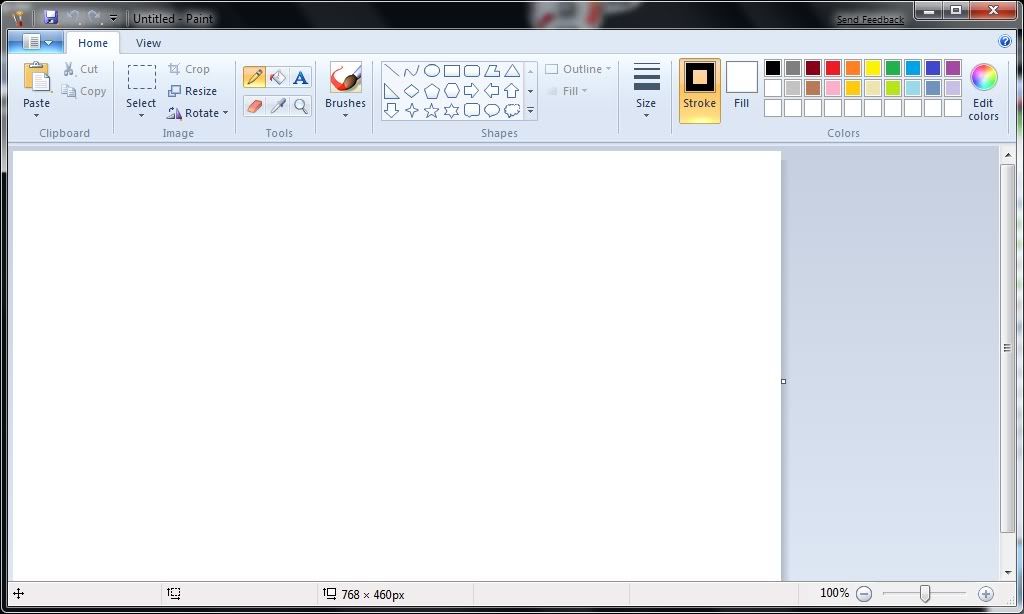
One other changes include WordPad and Paint bring overhauled with the ribbon-style interface similar to Office 2007.
So that’s Windows 7 in a nutshell. No one knows exactly when it’s coming out yet. Microsoft says early next year, but others are saying before the end of the year so it can be preloaded onto new computers in time for the holiday rush. We’ll just have to find out.


8 comments:
Very nice presentation.
I always liked Windows XP best.. and when I first got this notebook computer with Vista at first I was like eh. It's not so bad though. I guess with anything new and different it takes time getting used to.
I did notice with Vista all the games I have. I haven't played any of them yet but there sure are alot. Someday I'll sit down and actually play some of them.
Really don't notice that it's slow though. I do notice that Windows Live/Hotmail using IE doesn't seem to agree very well. Not sure if it has anything to do with it running on Vista or what.. but on XP I never had many problems with it freezing.
Thanks.
It is a big difference from XP to Vista..took me a little while to get around the workings of Windows 7, but I caught on and I'm really liking it, and kinda don't wanna go back >__>
Yeah I didn't touch on the games thing, but from what I know it's not that different from how Vista does it so didn't have a need to. I do like the new versions of Solitaire, Minesweeper, and the like. Not sure if yours has it, but mine also has a game called Mahjong Titans.
Well on the computer hardware that you have, you wouldn't notice it being too slow, because you're have plenty of RAM and stuff. Basically the main problem with it's slowness is on hardware like mine, which are supposed to be "capable" although that's load of bull for some systems. Well I don't have much issues with IE, but mine comes with a pre-release version of IE8...but still I'd just blame it on IE, because IE just sucks :P
I have Mahjong Titans and a game called Mah Jong Quest Also Family Fued, Wheel of Fortune, Boggle, and tons more. There is a total of 27 altogether.
Oh yeah I forgot that some probably came bundled with yours seeing the companies like to do that. That's still cool though.
Vista was a complete failure that is why microsoft has a new os "Windows 7" code name Vienna will replace Vista and it will have so many features such as touch screen where you can drag and drop (Pretty much iPhone features) or Mac os with all previous windows. It is the complete package, but all i hope that DX10 works fine and that you would be able to play all your pc games unlike vista because when I had it I could not install all my computer games!
Im still using XP and I think it is the best
Yeah I would've like to have the touchscreen stuff that would be awesome to use. Actually Windows 7 comes with DirectX 11. As for playing games, I can't really say seeing I don't have that good of a computer for gaming :P
Yea , but Microsoft is cutting Dx11 from Windows 7. I dont know perhaps Im wrong, but some sources say that http://www.dvhardware.net/article25159.html
I have nvidia 8800 GTX 1GB and that would work fine with DX11, but I wont risk giving up my xp for windows 7
Post a Comment